Releases 2.33 - 2.37
Highlighted Feature: Alarm Levels & Rate-Based Alarms
What's New
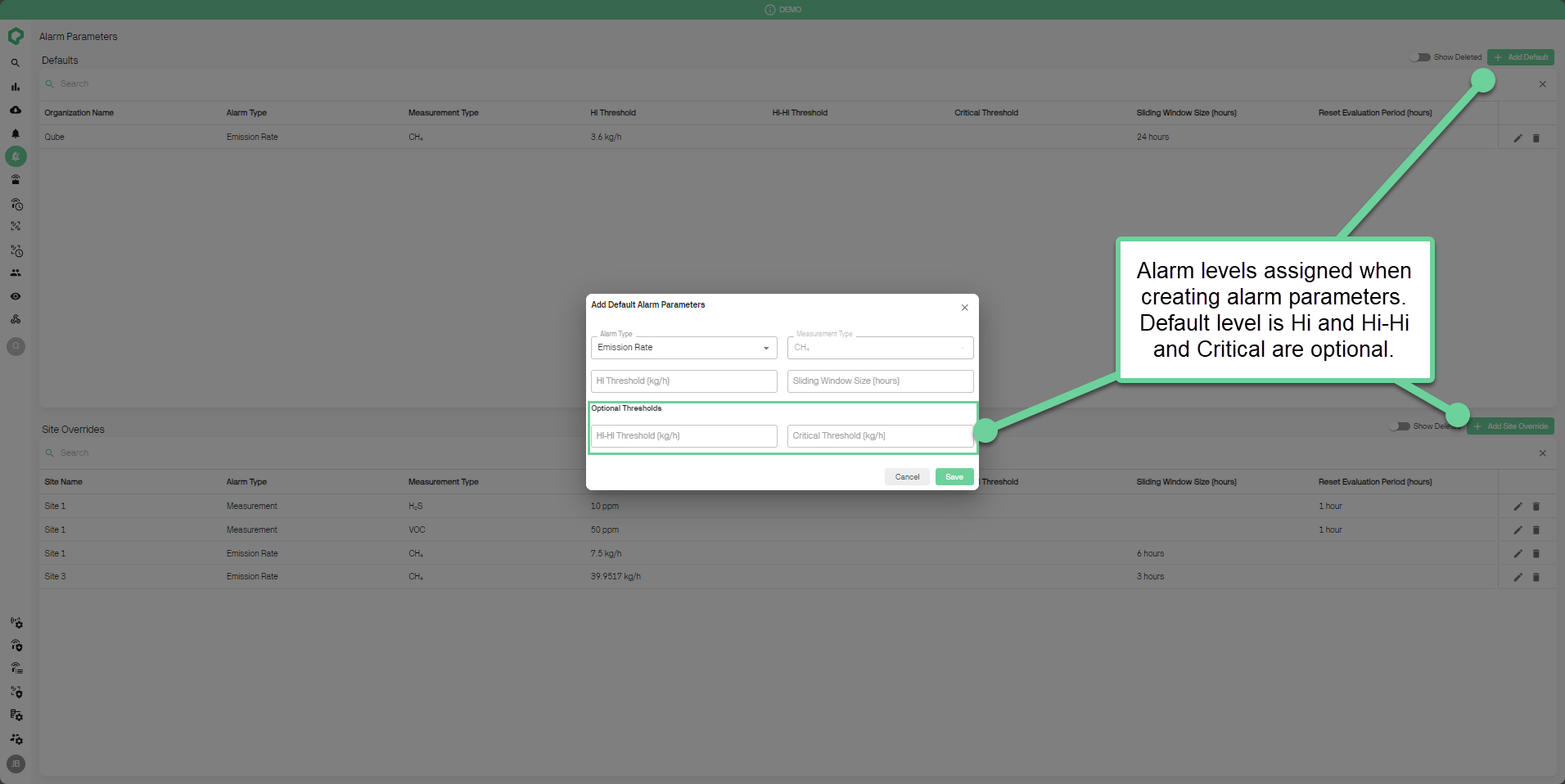
- New Methane Emission Alarm Levels: Methane alarms are now rate-based (kg/h) with three severity levels: Hi, Hi-Hi, and Critical.
How to Use:
-
Viewing Alarms:
-
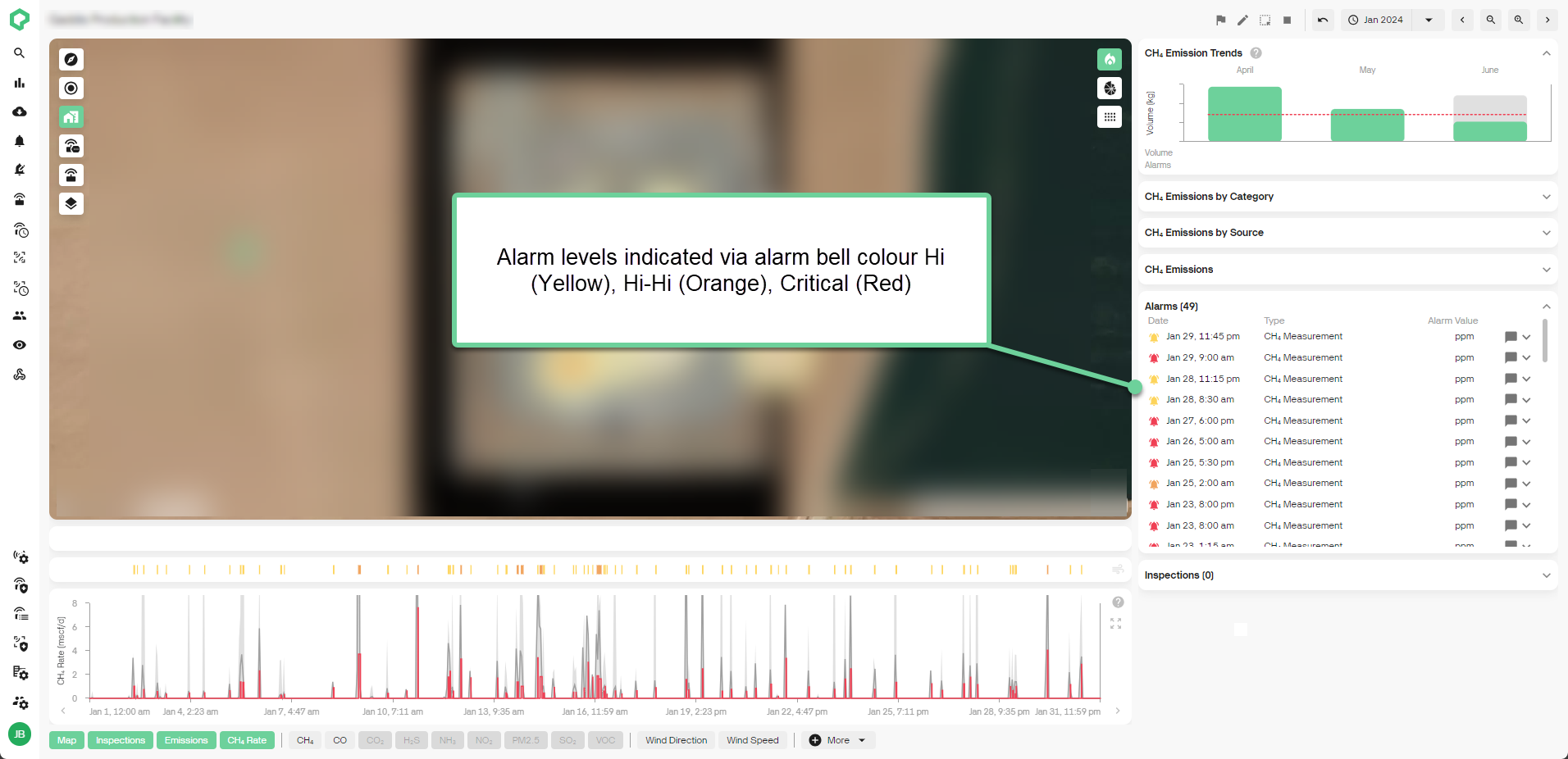
Check the alarms table on the site dashboard for alarm levels, indicated by colors: Hi (Yellow), Hi-Hi (Orange), Critical (Red).
-
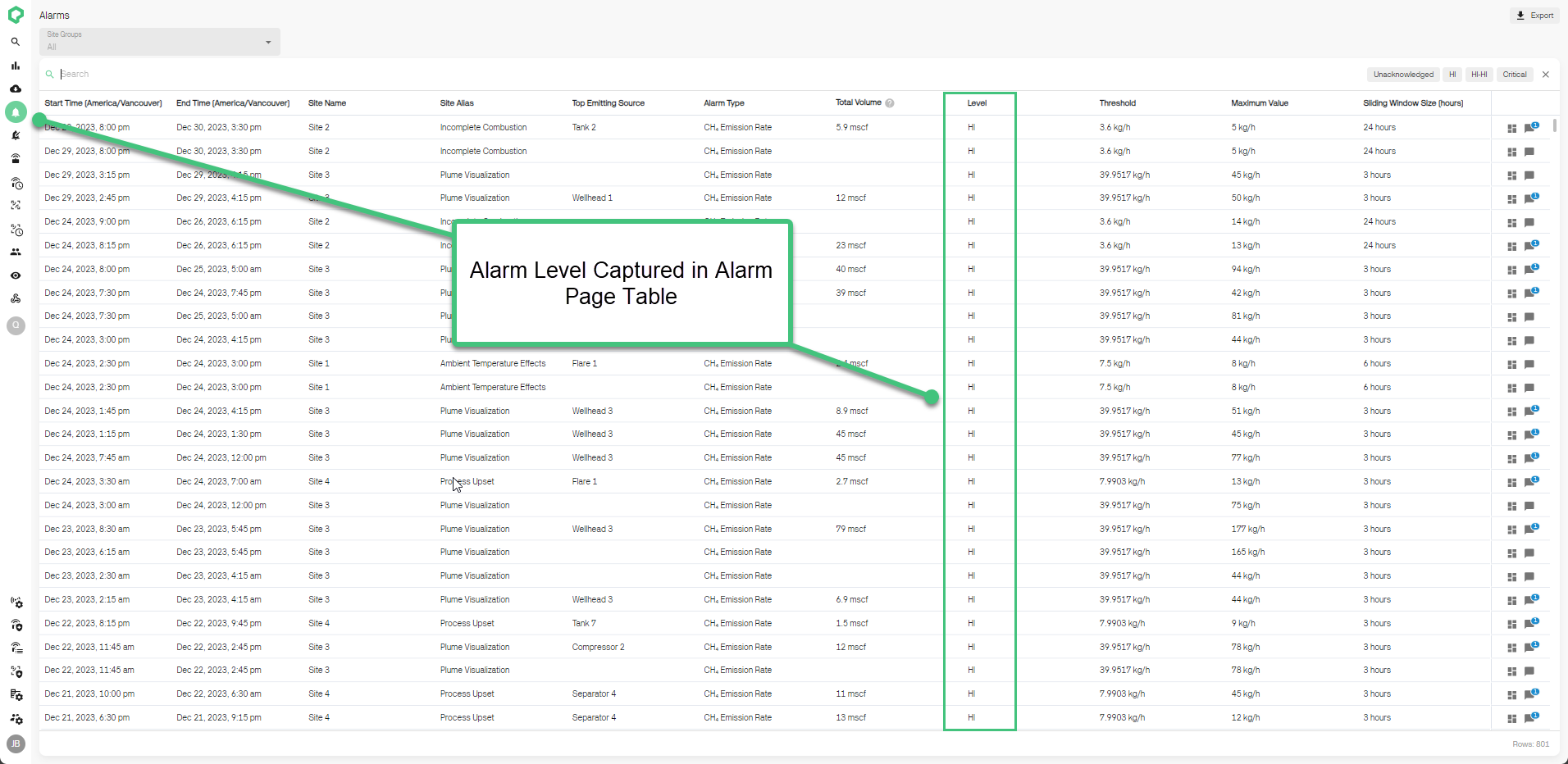
For detailed alarm information, visit the Alarms page and look under the Level column.
-
Benefits:
-
Precise Monitoring: Tailor your response to varying emission levels, improving operational control.
-
Enhanced Workflow: Customize workflows based on alarm severity.
Note: Custom notifications for alarm levels will be available in early Q3. For assistance, contact your Qube sales or customer success representative.
Other New Features
-
New Energy Units:
- Methane data can now be shown in Gigajoules (GJ/GJ/d) or Million British Thermal Units (MMBtu/MMBtu/d).
-
Enhanced Basemap Compatibility:
- Now support uploading TIFF, KMZ, and KML files for site basemaps.
-
Detailed Site Attributes:
- Includes Business Unit, Asset/Area, Country, State/Province, Regulations, Site Types, Basin and Fluid Type.
-
Date Picker Enhancements:
- Can quick select options for standard time periods (weeks, months, etc.) or select a full Week or Month using arrows or title on the detailed calendar view.
Key Features Coming Soon
-
Alarm Workflow & Classification
- Enhance Alarm Response by assigning classifications and identifying root causes within the platform.
-
AVO and Flyover Inspections
- Integrated Inspection Management for logging AVO inspections and uploading third-party flyover inspections into the platform.